Campaign template · Recruitment board
Live Vacancies Board
Open roles read straight from your careers feed, on the screens around the site.
What moves on screen
The live layers of this template. Set them once and they update on their own while the campaign runs.
-
Careers Feed Sync
Reads your ATS or careers page; roles appear as they open.
-
Auto-retire
A filled role comes off the screens without touching the plan.
-
Site & Shift
Each frame carries the site, the shift and the distance from that screen.
-
Scan to Apply
A per-zone code so applications trace back to the neighborhood that sent them.
How you launch it
- 01
Pick your screens
Your neighborhood, your budget, your dates. The simulator shows the screens and the price before any commitment.
Open the simulator → - 02
Plug in your content
A post, a visual, a product feed. The template adapts them to the screen format and adds its live layers.
See the creative studio → - 03
Go live and measure
Guaranteed airtime on the screens you chose, then a report of what played, where, and in front of how many people.
See measurement →
See this template on real screens
The simulator plans a campaign on real inventory, neighborhood by neighborhood.
More templates
All templates for "Awareness" →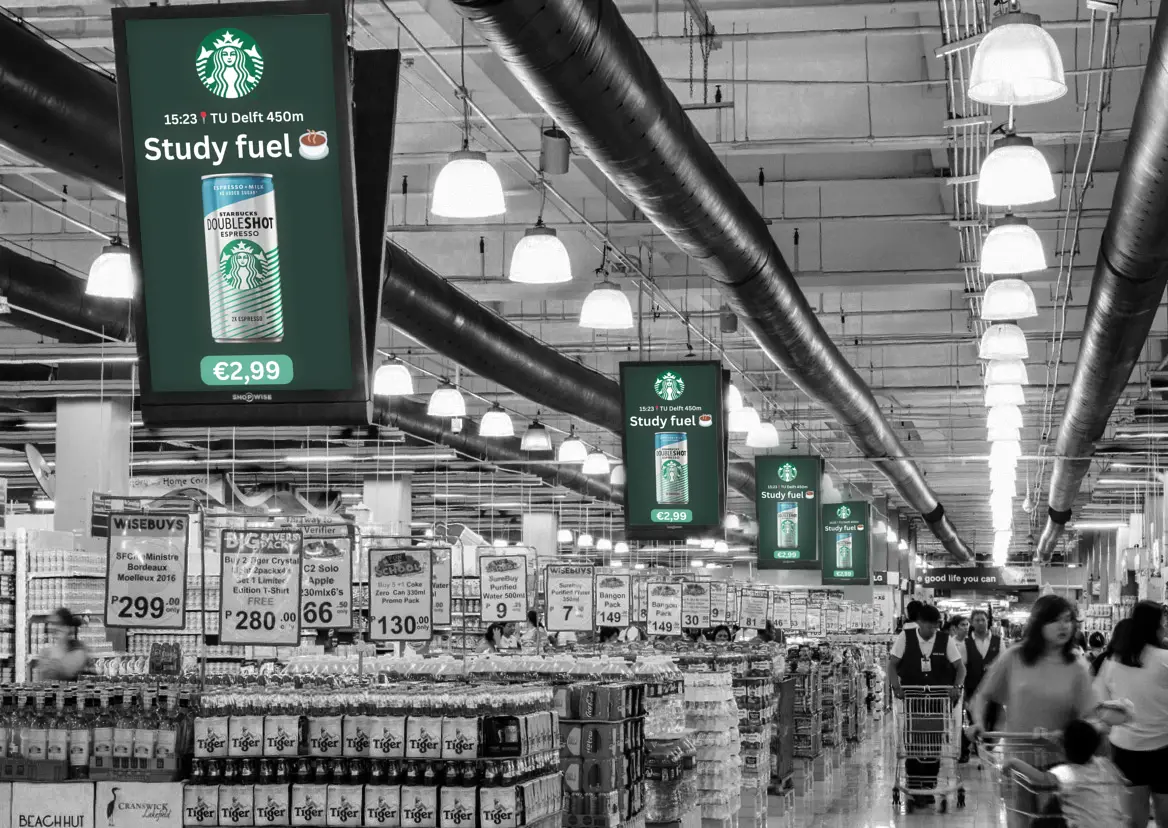
Your screens, in your neighbourhood, this week
Pick the area, the budget and the dates. No annual contract, no salesperson to get past.