Campaign template · Store boost
Store Boost
Drive footfall with local relevance and distance-to-store messaging.
Activated by CONSUM · real campaign
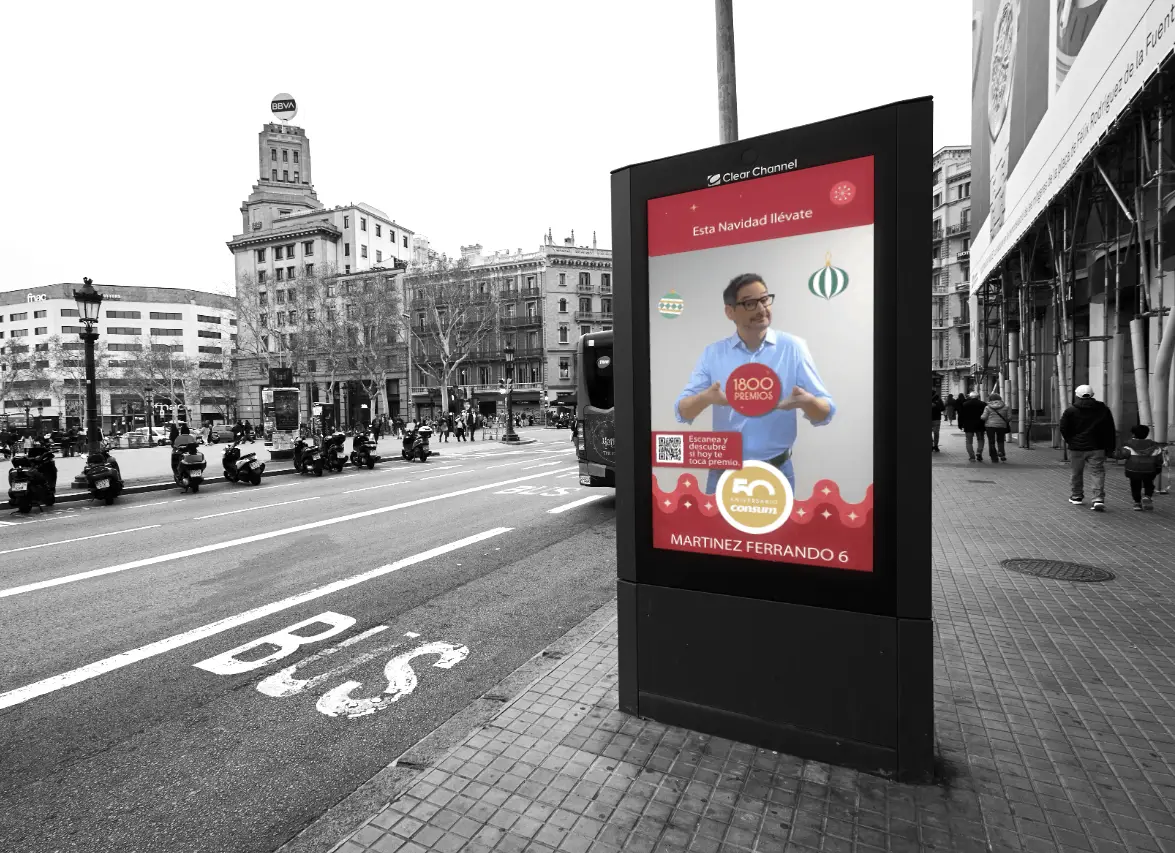
From what you have to what plays
The template starts from content that already exists. Nothing is redrawn: it is reframed, put forward and completed by the layers that move.
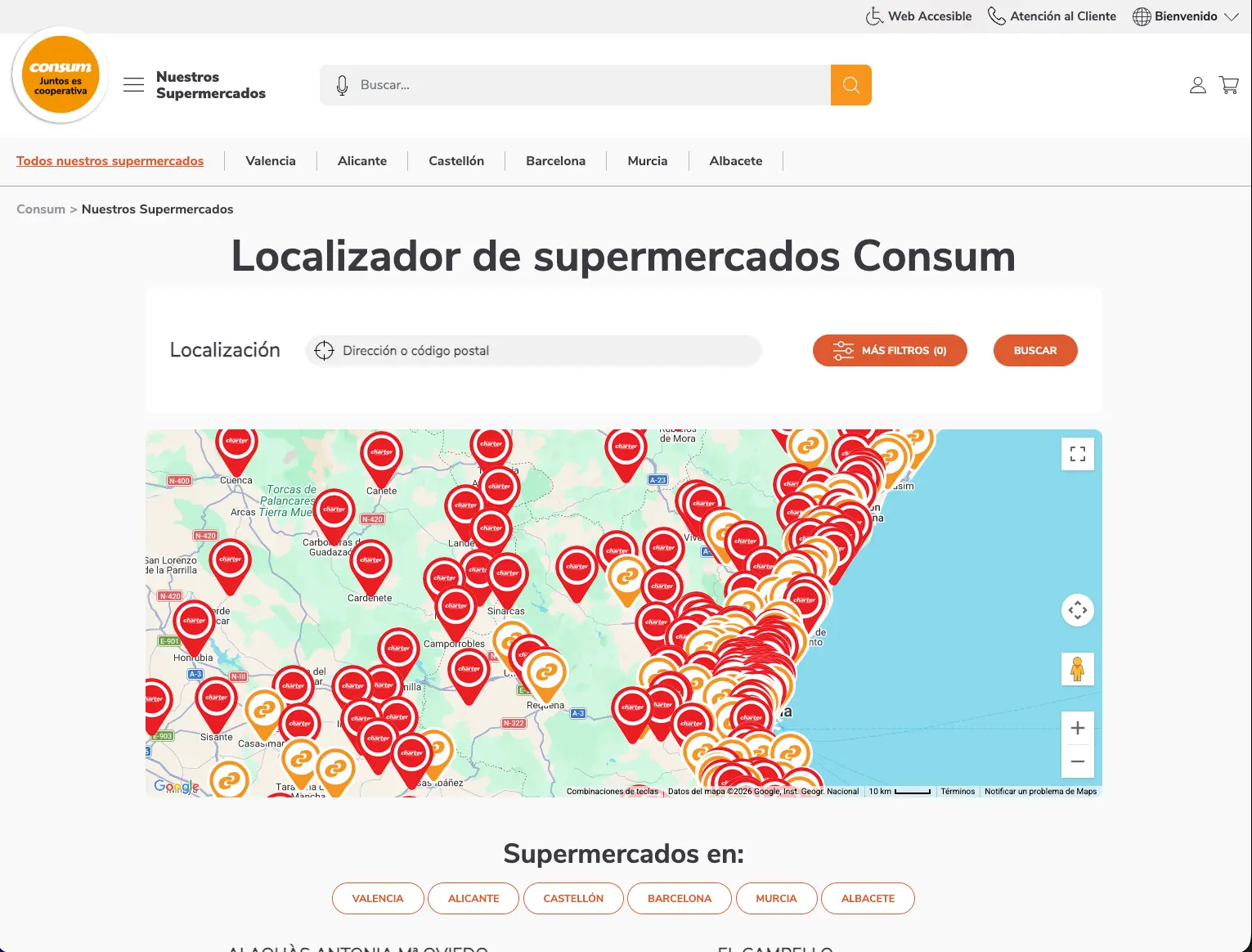
What moves on screen
The live layers of this template. Set them once and they update on their own while the campaign runs.
-
Store Locator
Nearest store with live distance.
-
Local Offer
Store-specific promotions.
-
SocialDOOH Amplifier
Top local influencers displayed in the nearest CONSUM stores.
How you launch it
- 01
Pick your screens
Your neighborhood, your budget, your dates. The simulator shows the screens and the price before any commitment.
Open the simulator → - 02
Plug in your content
A post, a visual, a product feed. The template adapts them to the screen format and adds its live layers.
See the creative studio → - 03
Go live and measure
Guaranteed airtime on the screens you chose, then a report of what played, where, and in front of how many people.
See measurement →
See this template on real screens
The simulator plans a campaign on real inventory, neighborhood by neighborhood.
More templates
All templates for "Footfall and sales" →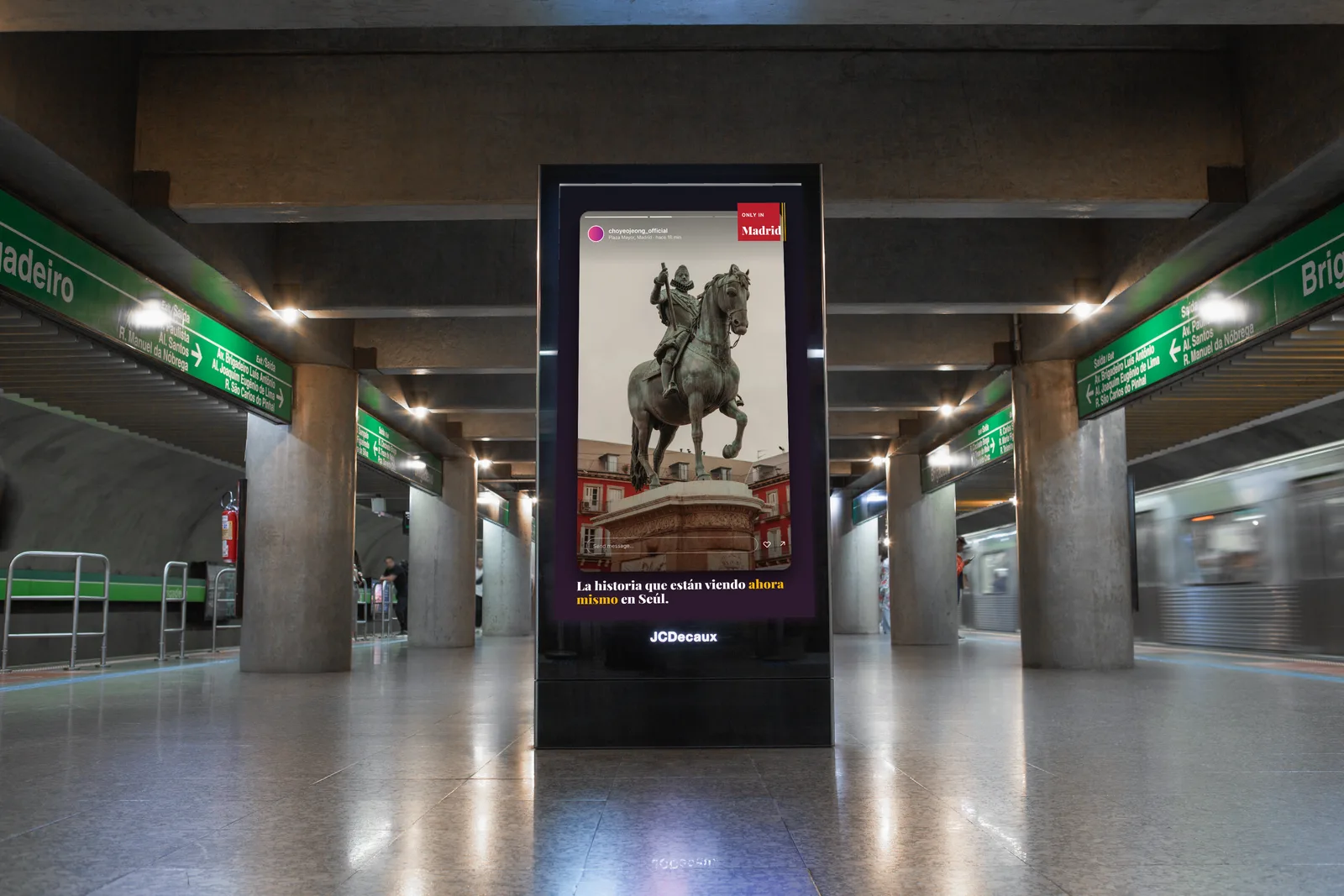
Social amplifier
Ambassador UGC
When an ambassador posts from the city, their content is automatically projected on DOOH screens in their home market: the story becomes the billboard.
Social amplifier
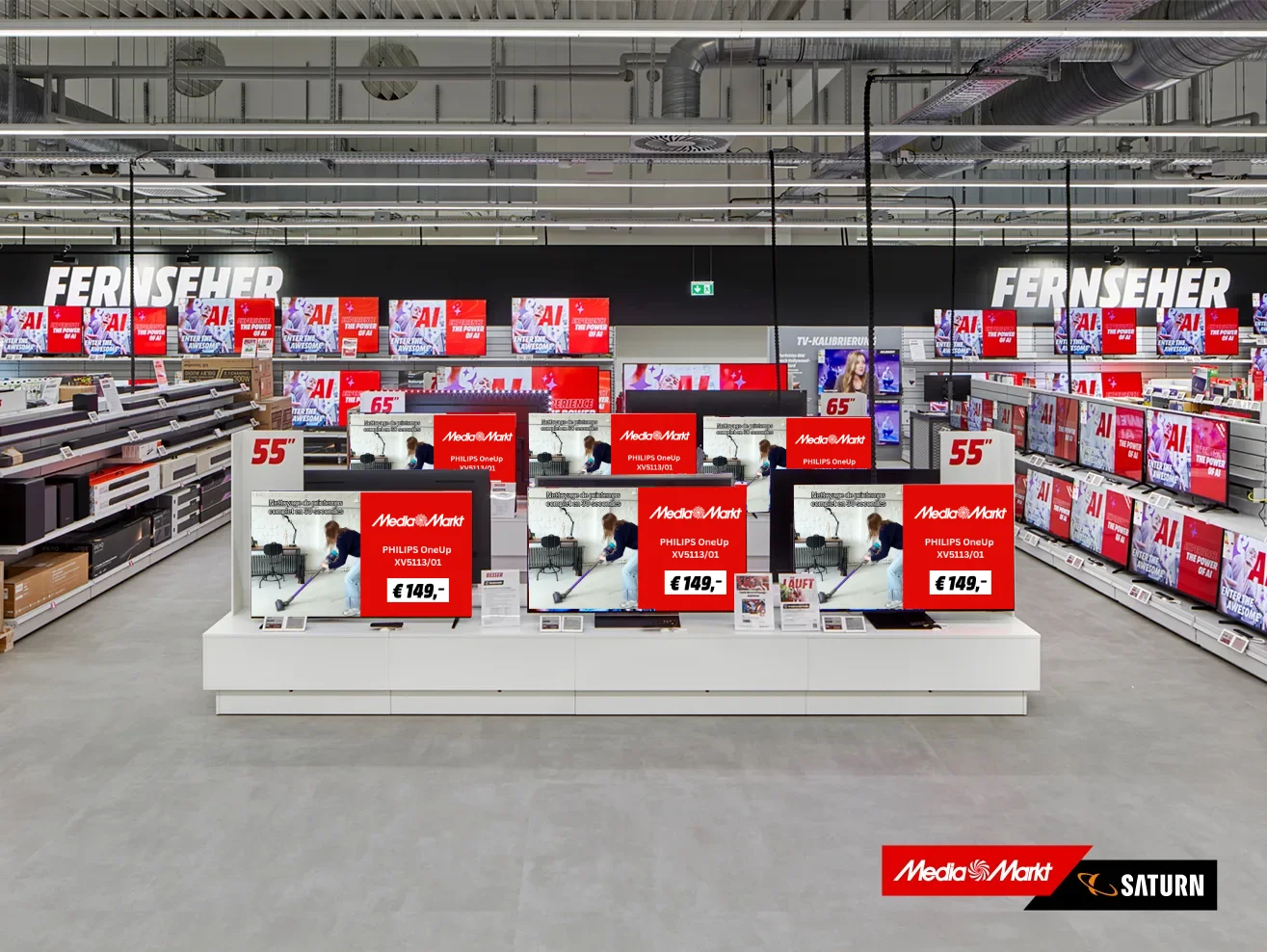
In-Store UGC Activation
Social media UGC and local ambassador content activated on in-store digital signage.
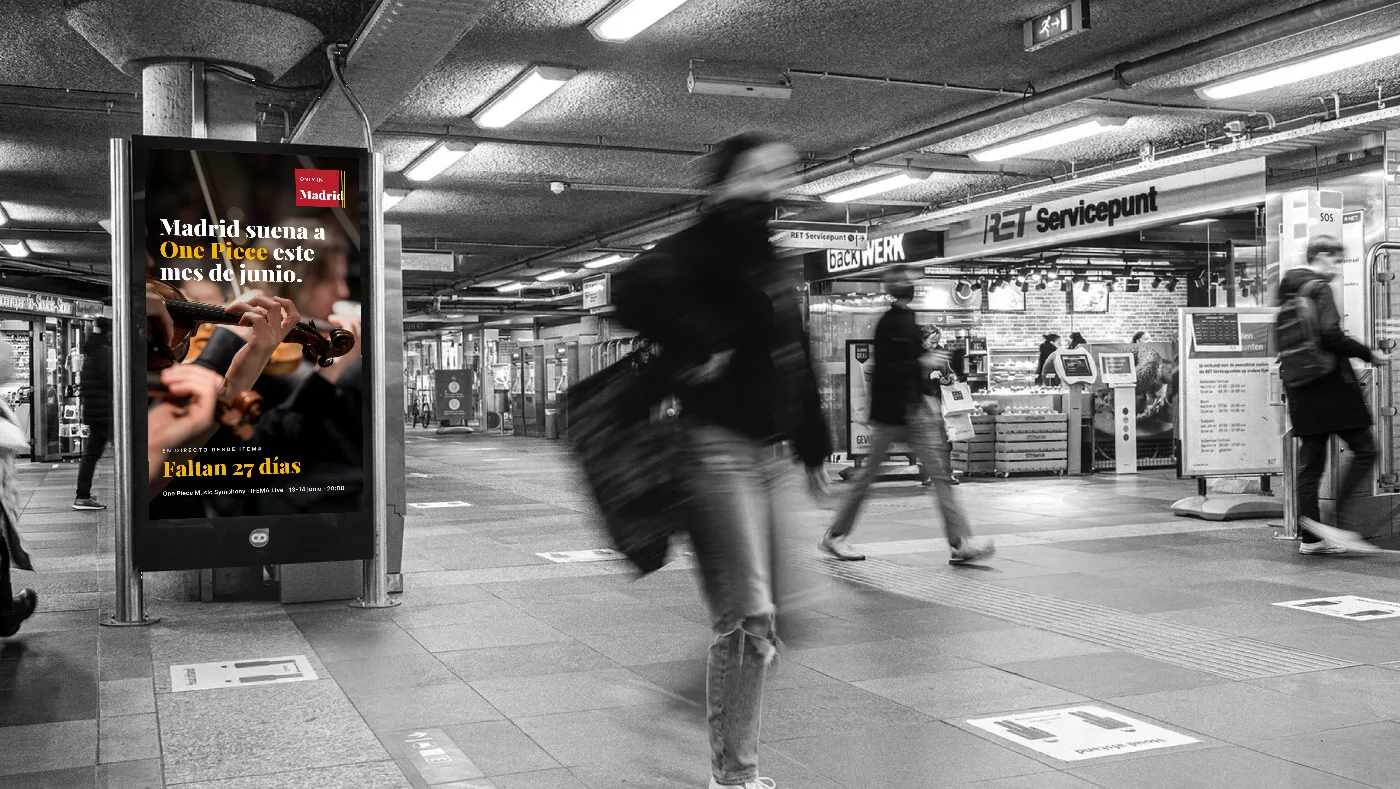
Event countdown
Venue Calendar Countdown
One template powered by a venue's event calendar: 80-120 events a year, each targeting the right market, with a countdown that updates itself from announcement to show night.
Your screens, in your neighbourhood, this week
Pick the area, the budget and the dates. No annual contract, no salesperson to get past.